Managing room and equipment reservations often seems simple. Until it isn’t. Many organizations rely on shared calendars, spreadsheets, or email requests, which provide no reliable way to prevent overlapping bookings. As a result, double-bookings occur, resources become unavailable at critical times, and teams lose trust in the system. Coordinating availability, approvals, and setup tasks quickly turns into a fragmented process. There is little visibility and no enforcement of rules. Without a structured solution, even basic scheduling becomes inefficient and error-prone.
Solution Overview
The Room and Equipment Reservation solution is built with Infowise Ultimate Forms. It transforms SharePoint into a reliable, rule-driven reservation system that not only tracks bookings but actively prevents conflicts.
Instead of simply recording reservations, this solution enforces logic at the point of entry. When a user attempts to book a room or piece of equipment, the system automatically checks for overlapping reservations. It then blocks conflicts before they can occur. This ensures that double booking is no longer possible. You are eliminating one of the most common and frustrating issues in resource management.
How It Works
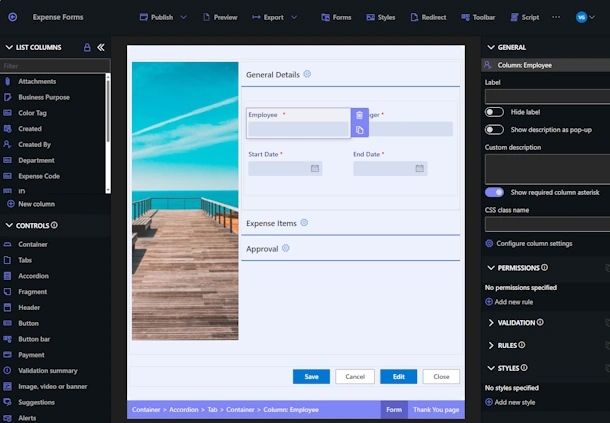
Users create reservations through a structured, user-friendly form directly in SharePoint. They select:
- The resource (room or equipment)
- The date and time
- The purpose of the reservation
Behind the scenes, validation rules ensure that the selected resource is available for the requested time slot. If a conflict exists, the system prevents submission and prompts the user to choose a different time or resource.
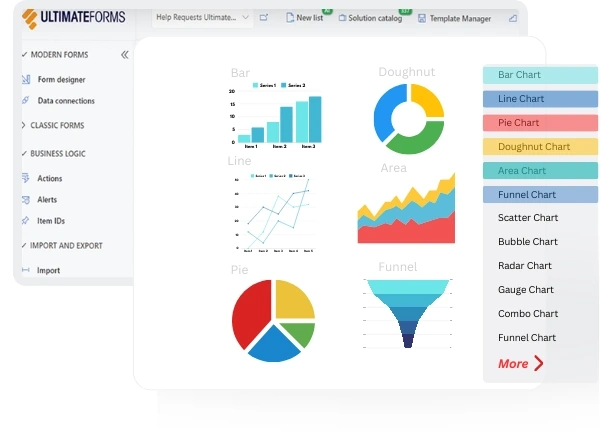
All reservations are displayed in a color-coded calendar view, providing instant visibility into availability, usage patterns, and scheduling gaps. This makes it easy for users to plan ahead and avoid conflicts even before submitting a request.
Key Capabilities
Prevent Double-Booking
The system automatically validates every reservation against existing bookings, ensuring that no two reservations overlap for the same resource.
Centralized Resource Management
Manage all rooms, equipment, and other shared resources in one place, eliminating the need for multiple disconnected tools.
Visual Scheduling
Use intuitive calendar views to see availability at a glance and simplify planning across teams.
Flexible Configuration
Customize resources, booking rules, and form layouts to match your organization’s specific requirements.
Extend Beyond Reservations
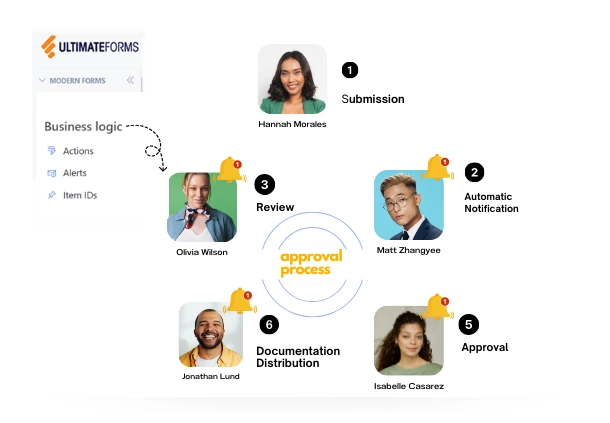
While the solution focuses on booking, it can easily be expanded. You can easily include approvals, setup tasks, notifications, and other process steps.
Why It Matters
A reservation system is only useful if people can trust it.
By eliminating double-booking and enforcing scheduling rules, this solution ensures:
- Reliable resource availability
- Reduced scheduling conflicts
- Improved team coordination
- Greater confidence in the system
Instead of reacting to conflicts after they happen, you prevent them entirely.
Built for Your Process
Every organization manages resources differently. With Infowise Ultimate Forms, you are not limited to a fixed system.
You can:
- Define your own booking rules
- Customize forms and user experience
- Add automation such as notifications or approvals
- Adapt the solution as your needs evolve
This flexibility allows you to start with a simple reservation system and expand it into a fully tailored solution.
For more info, click here.