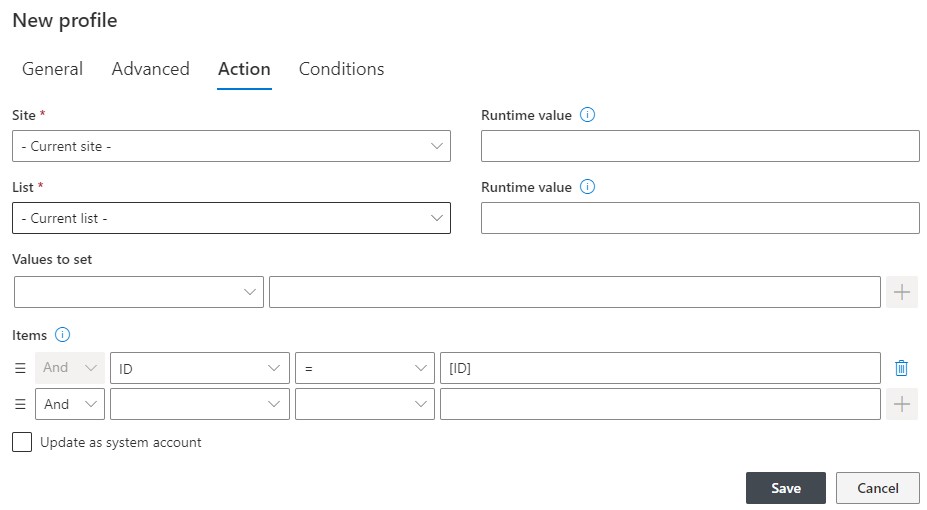
The settings in this tab are specific to each action type and the choices will differ. Refer to the specific action types section of this user guide. Go to Ultimate Forms > Actions > Action Types for more information.
Note that in some types of actions, such as Update List Items actions, the item selection section is pre-set to the current item and hidden. This means that by default the action is set to operate on the current item (the item that triggered the action).
The majority of actions apply to the current item and it helps to keep the interface clean and simple. This is identical to setting the action to Current Site / Current List / ID=[ID]. You can change the action setting to apply to any item[s] in any list in any site. Simply exit the current item mode, then select you own site, list and enter item selection conditions.



