Build SharePoint Forms Options Beyond What You Thought Was Possible
SharePoint forms are used all the time, but what comes out of the box from Microsoft is limited. If you are tired of being held back with bare bones SharePoint Forms, Infowise Ultimate Forms will surprise you with many features that you might not know are possible. Here are surprising examples of SharePoint forms features included in Infowise Ultimate Forms Form Builder:
1. Public Facing Forms
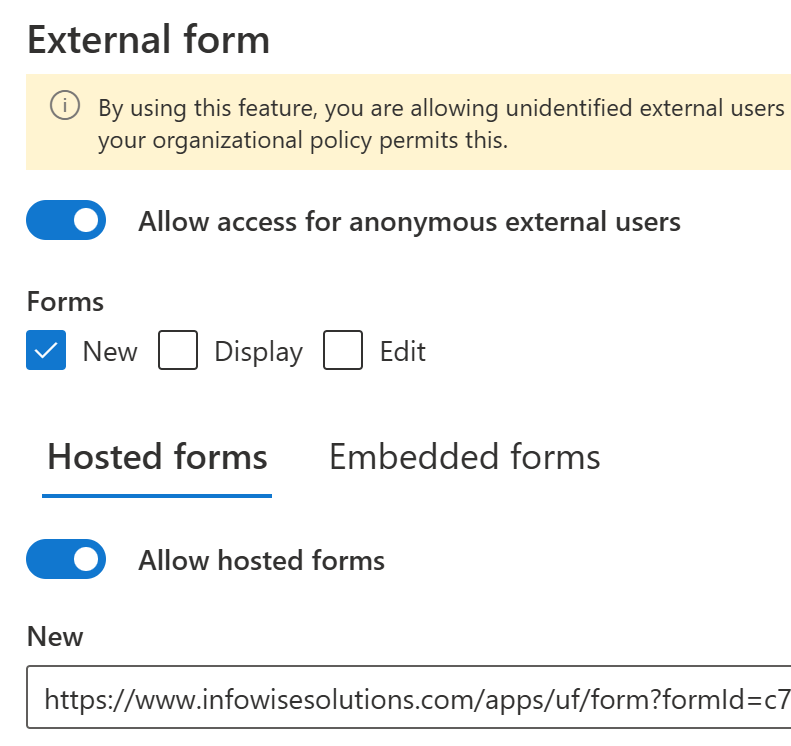
SharePoint forms require users to log in to SharePoint before they can submit information, right? Not in Infowise Ultimate Forms! The External Forms feature allows SharePoint forms to be shared outside SharePoint or even embedded in public web sites. This opens up all kinds of opportunities including customer support forms, job applications or general inquiry forms that can be accessed by anyone outside of SharePoint at any time.
2. Dynamic Form Buttons
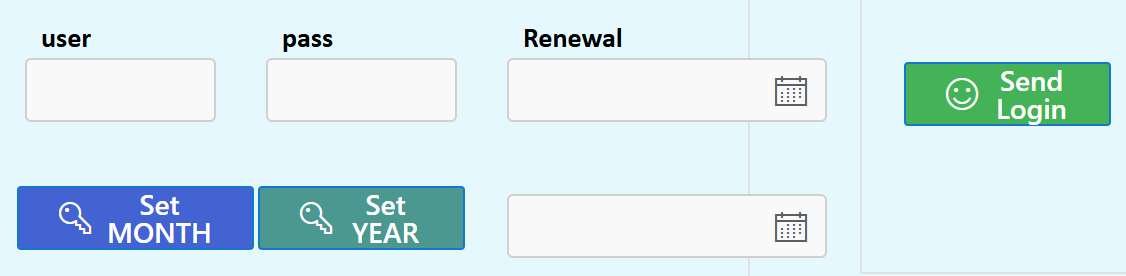
In SharePoint, when you fill out a form, the only buttons used are standard buttons to save, edit or cancel. With Ultimate Forms Form Designer you can add Dynamic Buttons which allow you to include all kinds of extra functionality in your form. There are ten different types of Action Buttons which can be custom configured to perform additional actions from your form.
3. Multi Language Forms
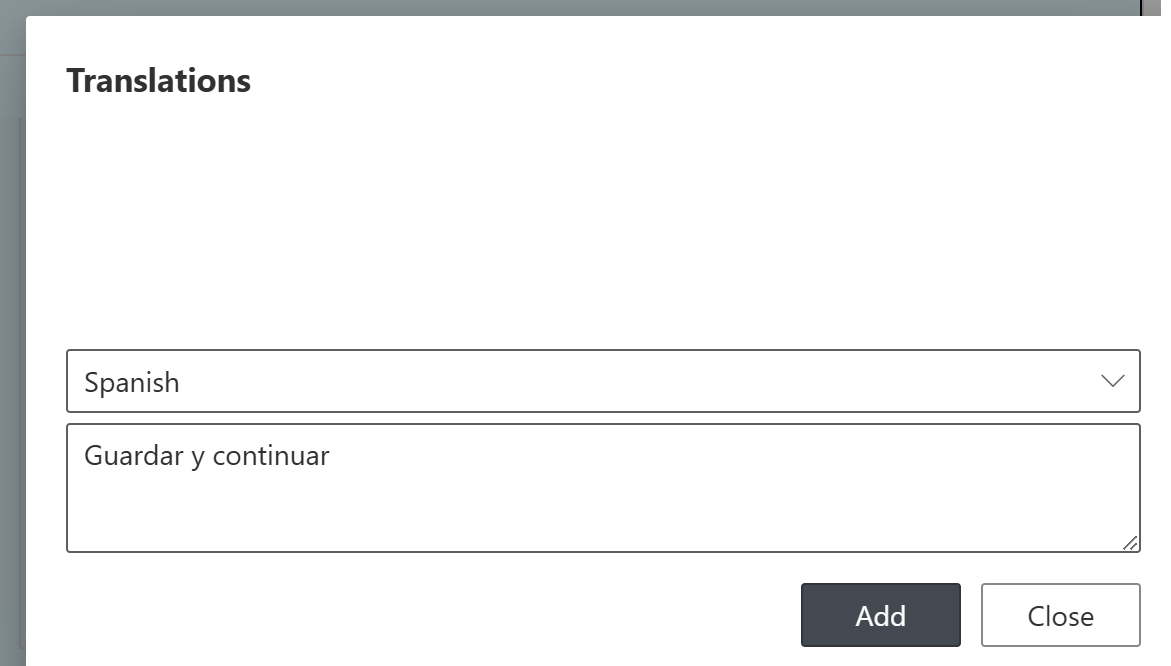
Can your out of the box SharePoint forms support more than one language. Absolutely not! With Infowise Ultimate Forms, you can embed language translations on columns, labels and form elements as well as provided translated dropdown options. Need a form to be usable by users in more then one language? No more duplicate work having to create separate forms for different languages. Ultimate Forms has you covered!
4. Signature Field
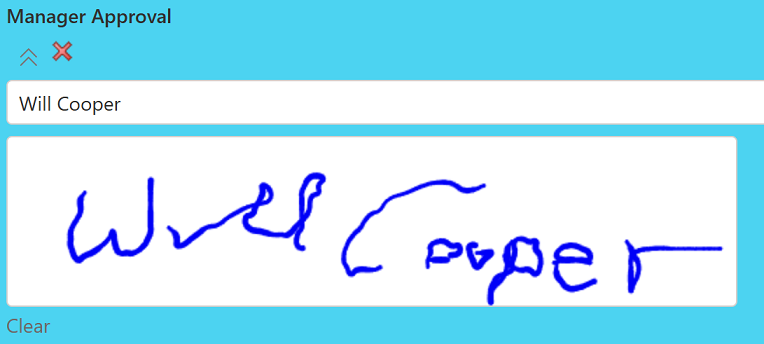
Approval processes come up all the time. When there is approval process, a signature is needed. SharePoint has no signature field. Ultimate Forms to the rescue. With the Ultimate Forms Signature Field, you can embed a hand written signature column directly into your SharePoint forms! Just drop it into the form and users can write their signature directly to the box. Multiple options are available. Now you can do approvals the right way.
5. Associated Items (Repeating Table)
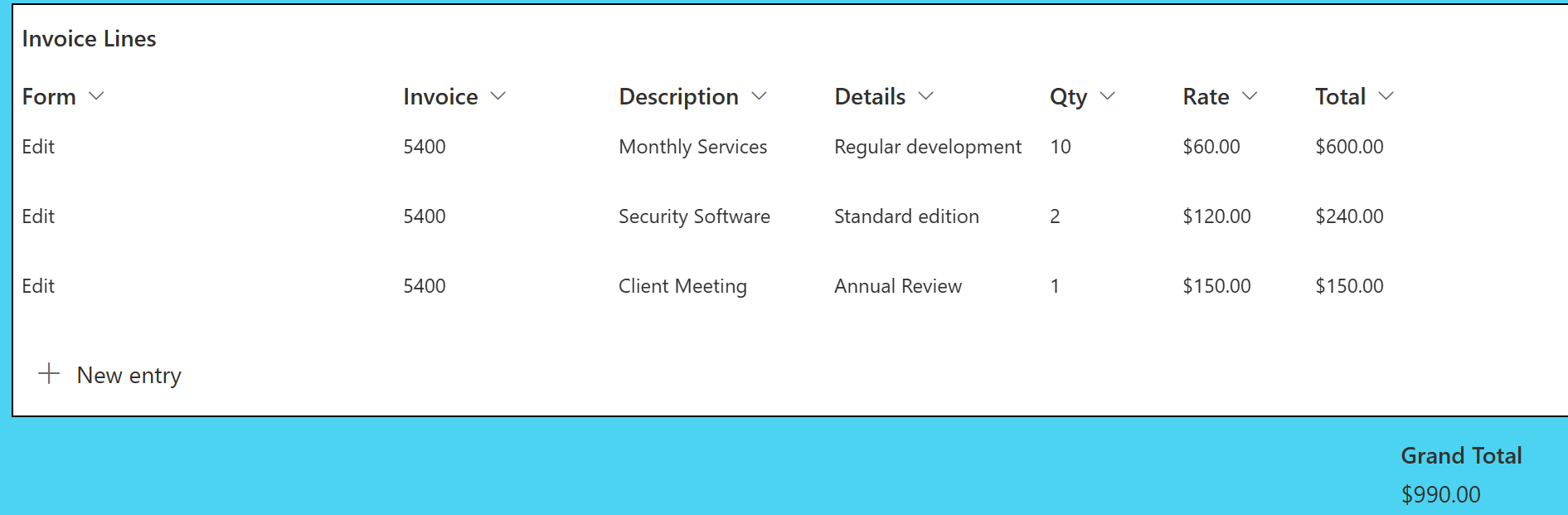
Repeating tables come up all the time in forms. If you have ever had to fill out an expense report, then you can see how this is needed. The Infowise Ultimate Forms Associated Items Field allows you to insert repeating tables in your forms. This also allows for automatic totals and summary data. This is perfect functionality for when you want to create a timesheets system, expense reports or track any kinds of financial data.
6. Form Permissions
How can you control access in a SharePoint Form? With regular SharePoint, you can only control access permissions for the whole form all at once. With Ultimate Forms Form Designer, you can set permissions on controls individually or by section. This means you can lock down form sections based on role or status. Ultimate Forms SharePoint Forms are truly dynamic.
7. Tabbed Forms
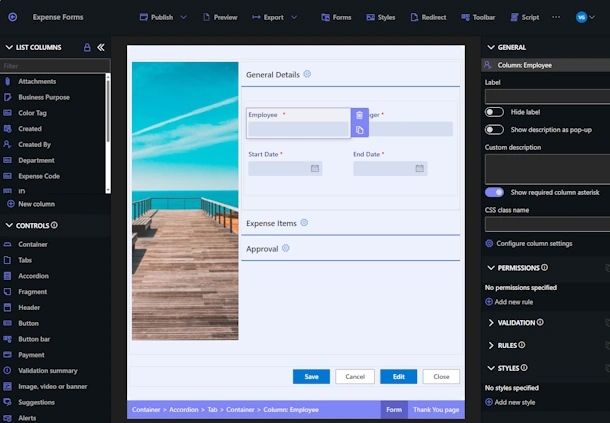
In regular SharePoint forms, you see a vertical list of fields. In longer forms, this turns into a wall of columns which is overwhelming and hard to navigate. The Ultimate Forms Tabs control allows you to break up your form into multiple tabbed pages making for a much more comfortable user experience. Data can be entered one tab section at a time without having to scroll down a long wall of information.
8. Cascading Lookup
We all use dropdown pickers to select options. What about situations where you need hundreds of options? The Ultimate Forms Connected Lookup field allows you to custom configure dropdowns to dynamically filter according to previous selections. In this way you can narrow down choices by filtering options from previous inputs. This is a far more comfortable user experience.
9. Form Printing
Printing capabilities are non-existant with out of the box SharePoint. What if you want a PDF output from a form? You'll have to find some kind of work around! Ultimate Forms solves SharePoint Printing by providing an intuitive Word Template based printing system that is simple to learn and completely versatile. Now if you want to print that completed form to a PDF, just click the print action button and go!
10. Payments
In addition to public forms capabilities, we even set up a payment control option that you can embed in your public form. Now if you want to collect donations or set up an order form, it can be created within SharePoint and hosted on your public site. We support multiple payment providers. You can go far beyond typical SharePoint forms by adding a portal to collect money!
Going Beyond Plain SharePoint Forms
It's easy to fall back on old habits, but using the right toolkit can open up loads of new possibilties. Infowise Ultimate Forms Form Designer is loaded with functionality including many things that you might never expect. New customers can try out the full software for free by downloading the trial from https://www.infowisesolutions.com/
Discover for yourself why having a flexible and powerful form designer tool can rewrite the rules for what is possible in SharePoint!
Add your comment