A dynamic form is a form that changes its appearance or behavior in response to user input or other events: hiding or showing fields based on entered values, enabling actions based on the user's role, filtering one dropdown by another. In SharePoint, you can get limited dynamism from native list forms, and full dynamism from customization tools, Microsoft's Power Apps and Microsoft Forms, custom code, or a dedicated no-code platform like Ultimate Forms. The practical question is not whether dynamic forms are possible but how much dynamism your process needs and what building it should cost. This article draws that line: what native forms genuinely handle, where they stop, and what each path beyond them trades.
What makes a form "dynamic"
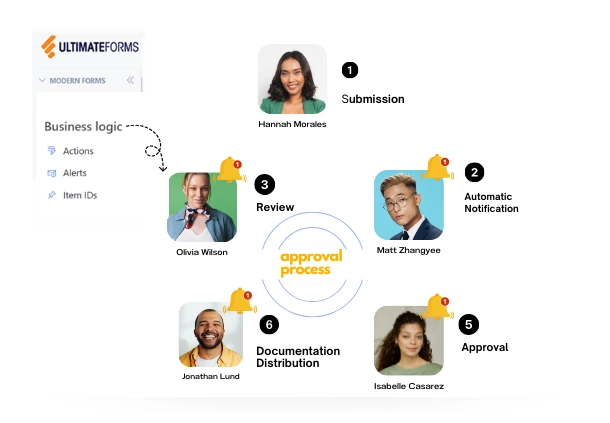
In SharePoint terms, a form is the page presenting fields for user input: text boxes, dropdown lists, checkboxes, date pickers. A static form shows every user the same fields in the same state, always. A dynamic form responds. The response might be driven by data (the "Other, please specify" box appears only when Other is selected), by role (the finance section is editable by finance and read-only for everyone else), by state (a submitted request locks its originating fields), or by relationships (choosing a category filters the products offered next).
The reason dynamism matters is data quality, not decoration. Every field a user shouldn't fill but can is an error waiting to happen; every visible-but-irrelevant section trains users to skim. A form that shows each person exactly what applies to them, and validates what they enter against the rules of the process, produces clean data at the point of entry, and everything downstream, automation, reporting, approvals, inherits that cleanliness.
How far native SharePoint forms go
Out-of-the-box list forms are better than their reputation, and it is worth being precise about what they can do. Modern SharePoint forms let you show and hide individual fields with conditional formulas, reorder and group fields, and apply header and footer formatting. Column validation catches simple rule violations. For straightforward data entry and retrieval, collecting requests into a list, maintaining a simple register, native forms are a perfectly reasonable choice, quick to set up and cost-free, and businesses with simple needs should not be talked out of them.
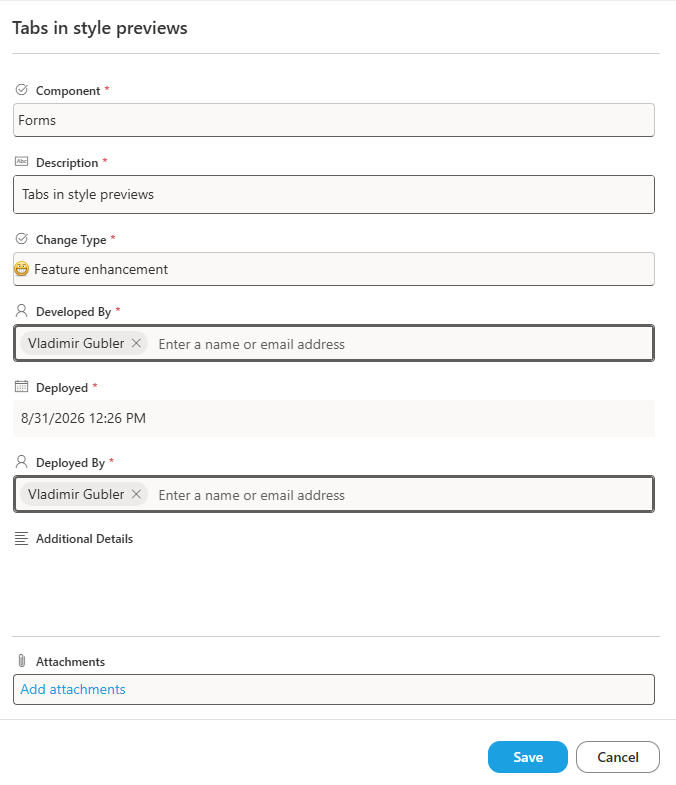
The limits arrive with the first real process requirement. Native conditional visibility is formula-per-field, which grows unmanageable as logic multiplies, and it cannot see who the user is, so role-based behavior, the finance-only section, the approver-only controls, is out of reach. There are no tabs or multi-column layouts for long forms, no cascading filtered lookups, no auto-filling of fields by rule, no embedded guidance beyond basic text, no custom buttons or actions, and validation cannot express cross-field or conditional rules comfortably. None of these are exotic requests; they are the normal requirements of the second month of any working solution. When they appear, you have outgrown native forms, and the question becomes which customization path to take.
The customization options, compared
Power Apps is Microsoft's form customization vehicle and can, with sufficient effort, build nearly anything. The effort is the issue: what a business user experiences as "hide this tab from non-managers" becomes formula writing and app maintenance, and solutions tend to migrate from the process owner to a developer. Our detailed comparisons, including a like-for-like build measured at 35 hours in Power Apps versus 10 in Ultimate Forms, cover this trade at length.
Microsoft Forms is often mentioned in the same breath but solves a different problem: it is a survey tool that can write responses to a list, not a list form customizer, no item editing, no display forms, no process states. The distinction is drawn fully in Ultimate Forms vs Microsoft Forms for SharePoint Lists.
Custom code buys unlimited flexibility at the price every custom build carries: a developer to write it, a developer to maintain it, and a rewrite when the platform moves. It is the right answer for the genuinely unique case and an expensive answer for everything else.
Ultimate Forms takes the fourth position: full dynamism, configured rather than programmed, in the browser, by the people who own the process.
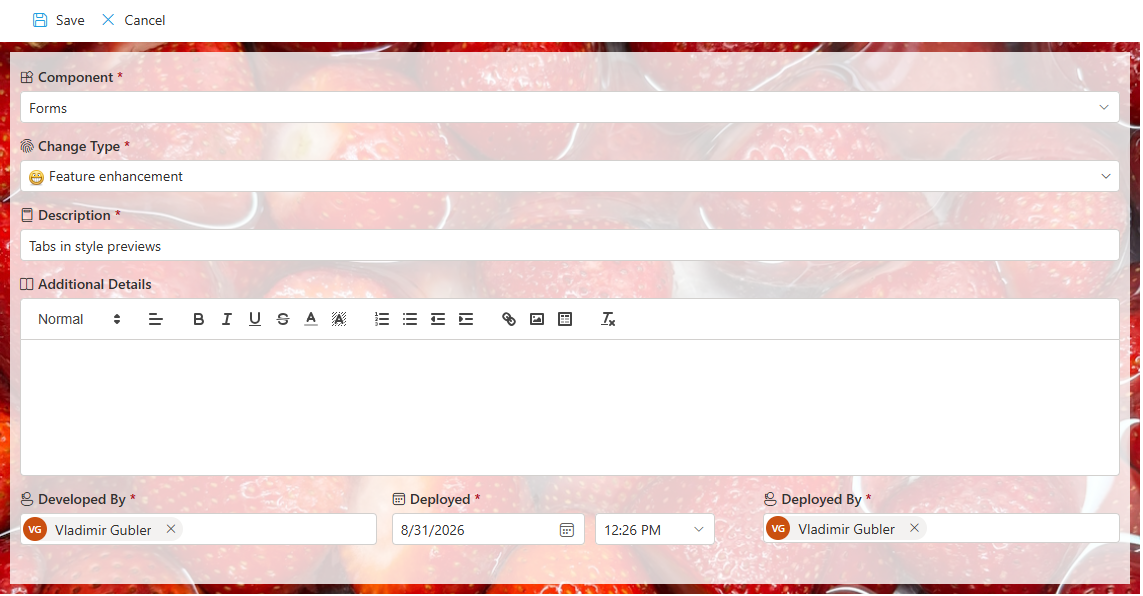
What dynamism looks like in Ultimate Forms
The capabilities that turn a static form into a working application, each configured without custom code:
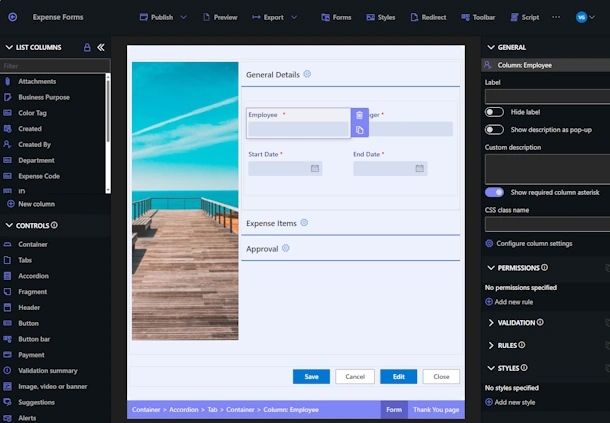
- Conditional visibility done properly: display, hide, or make read-only any column, tab, or section based on status, user role, group membership, or the values in other fields, rules that read like sentences instead of formulas.
- Expandable sections and tabs that organize long forms and respond to user input, so each respondent travels the shortest path through the form.
- Cascading lookup columns showing filtered options, category narrowing product, region narrowing site, including multiple parents filtering one lookup.
- Auto-filled fields driven by dynamic rules, so the form completes everything the system already knows and users type only what is new.
- Custom validation for every scenario, cross-field, conditional, pattern-based, enforced at entry rather than discovered in reports.
- Embedded, formatted help guiding users where they need it, instead of a manual nobody opens.
- Custom buttons and actions that perform multi-step updates in one click, covered in our action buttons design guide.
- Full design control with simple options, layouts, styling, branding, without touching a line of code.
The practical technique for building with these, rules, layouts, and their interplay, is the subject of How to Build Dynamic SharePoint Forms with Rules and Introduction to Layout and Rules on Smart SharePoint Forms; the visual side is covered in How to Style Your SharePoint Forms; and the fastest start of all is generating the first draft with AI form generation or deploying a pre-configured solution template and adapting it.
Choosing your line
A decision rule that has served our customers well. Stay native while the form is a data container: few fields, one audience, no roles, no process states, and nobody asking for more. Move to a customization layer the day the form becomes a process participant, when different users should see different things, when state should control behavior, when validation must encode business rules, when one click should do many things. And within the customization options, match the tool to the builder: if the process owner should be able to evolve the form next quarter without a ticket, the no-code path is not merely cheaper, it is the only one that keeps the solution where the knowledge lives.
Forms are where every SharePoint solution begins, and the dynamism decision is really a decision about who your organization allows to build. Choose the path that lets the people who understand the process own it.
Add your comment