Get Great Looking PDF Output from SharePoint
Infowise Ultimate Forms provides easy to use PDF print functionality by simply formatting a Microsoft Word Document. Ultimate Forms includes complete print functionality. To pair this up with your SharePoint form, simply reference the fields in your document using double square brackets like this:
[[Invoice Number]]
You simply references the fields from your SharePoint list form in your Word document. That's it! Anything you can do in Microsoft Word with formatting is supported. The content from your form will automatically be inserted. Make things look nice by using templates provided by Microsoft which already have polished layouts and formatting. To help you out, we have provided some popular templates that work well with common SharePoint Solutions Templates in our site.
Here are ten different print templates that you can download and use today:
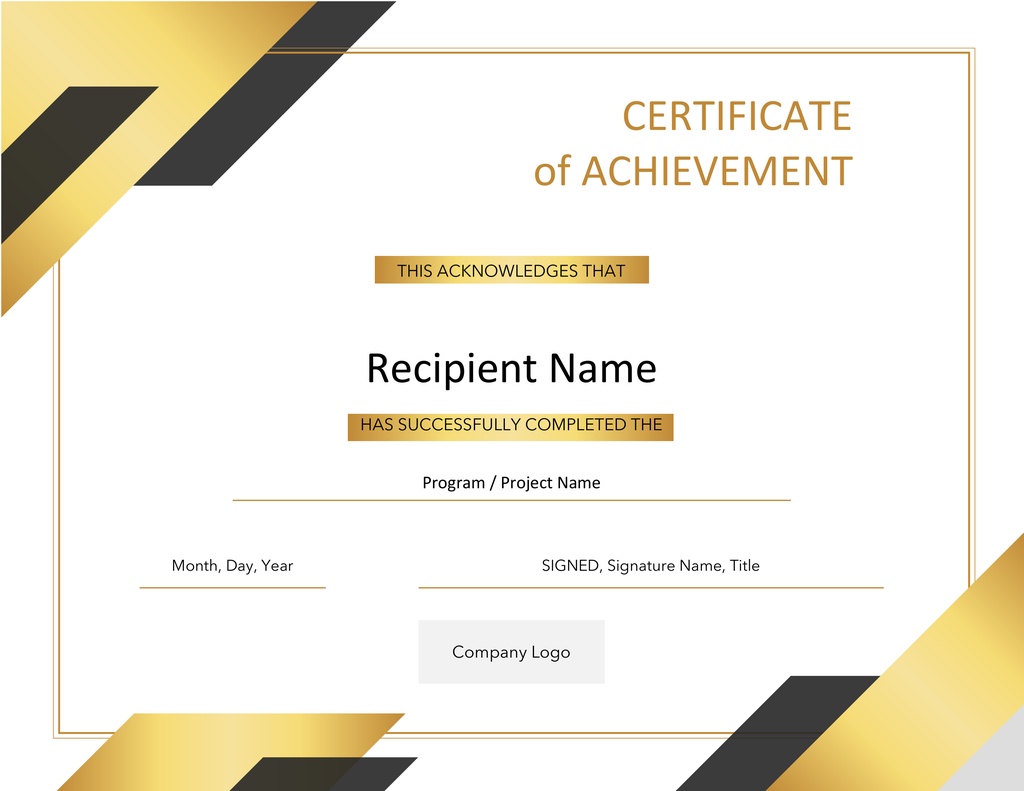
Certificate 1
A nice looking certificate that can be paired with a simple form to automatically send a certificate to an employee. Clean, professional and simple to use!

Certificate 2
A more official looking certificate that can be used for training course completions. Just swap in your field names and you are ready to go. This is a great way to provide official completion certificates from your organization training programs.
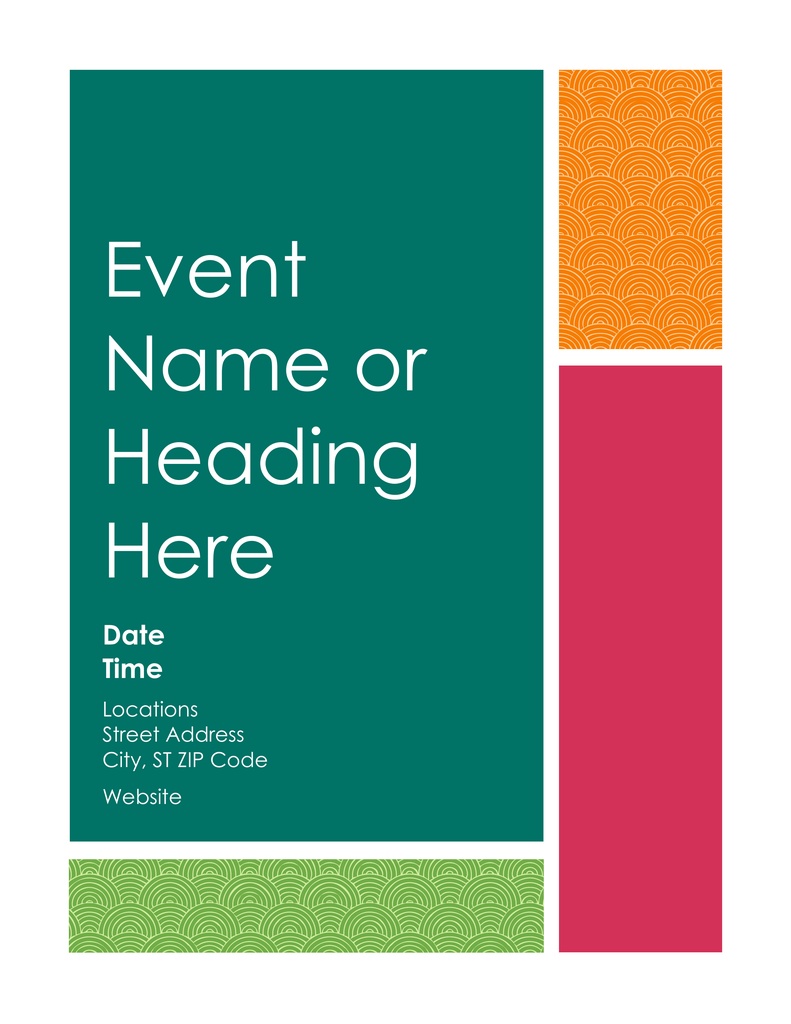
Event
Promote upcoming organization events using a simple SharePoint form paired with this list template. Adjust the colors to your own branding preferences as needed. Now you can be more efficient promoting events.
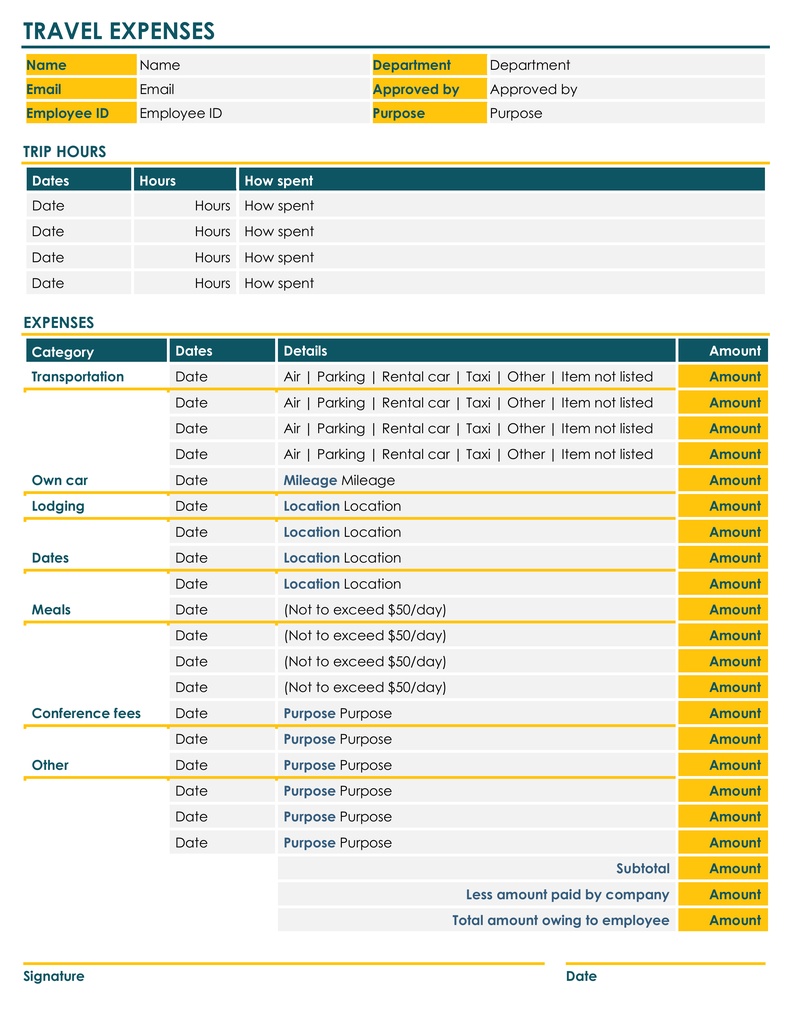
Expenses
Build an expense report using Associated Items functionality and pair it with his professional looking template. Complimentary color schemes make this easy to read.
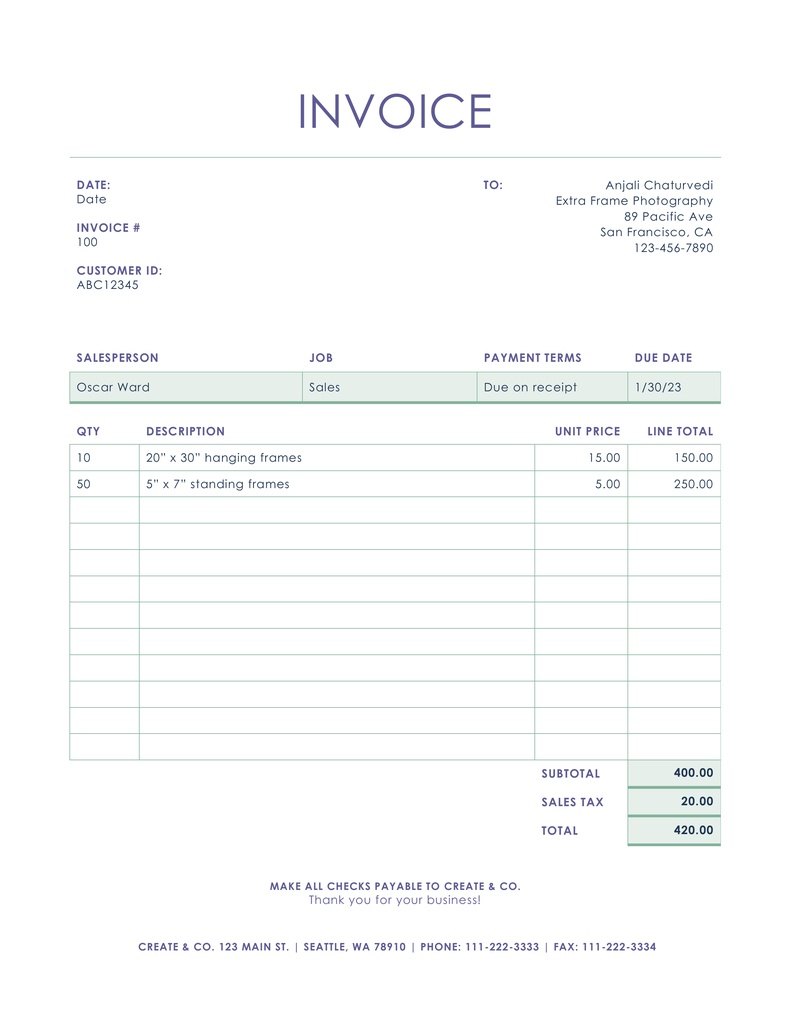
Invoice 1
Create an invoices list in SharePoint, set up your form including Associated Items for the repeating table along with the Associated Items Summary fields for aggregate totals then insert your fields into this print template. Clean, professional and ready to use.
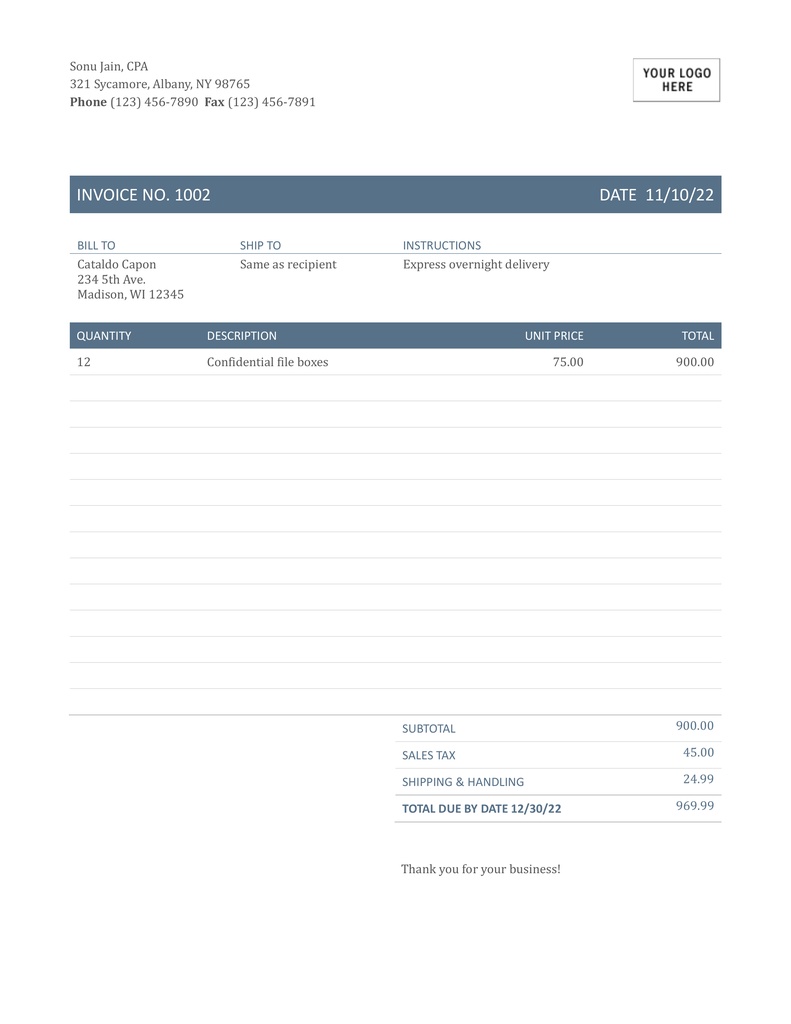
Invoice 2
Here is an invoice with a different look and feel that you can use for invoices. This template uses a more conventional color scheme if you want a simple look. Professional looking output that will look good to your customers.
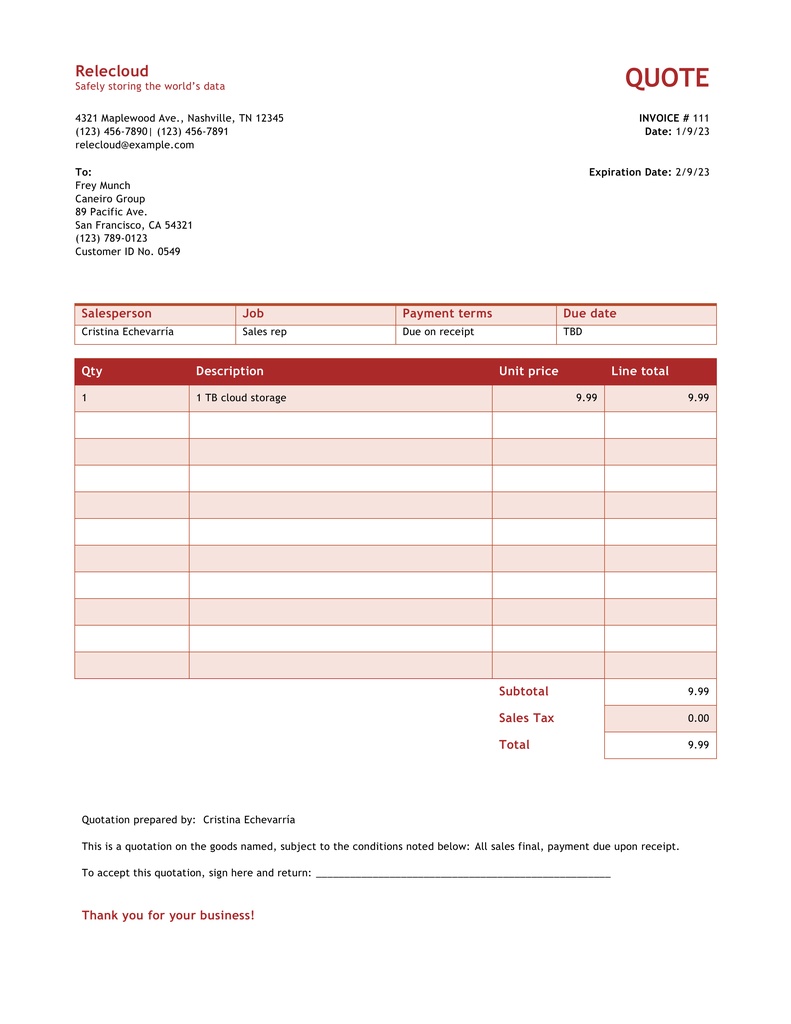
Quote
Do you need to send quotes to customers? This is clean and professional layout that you can used with your SharePoint form to automatically email PDF quotes to your customers. Automatically send this to your customers by clicking a button in your SharePoint form.
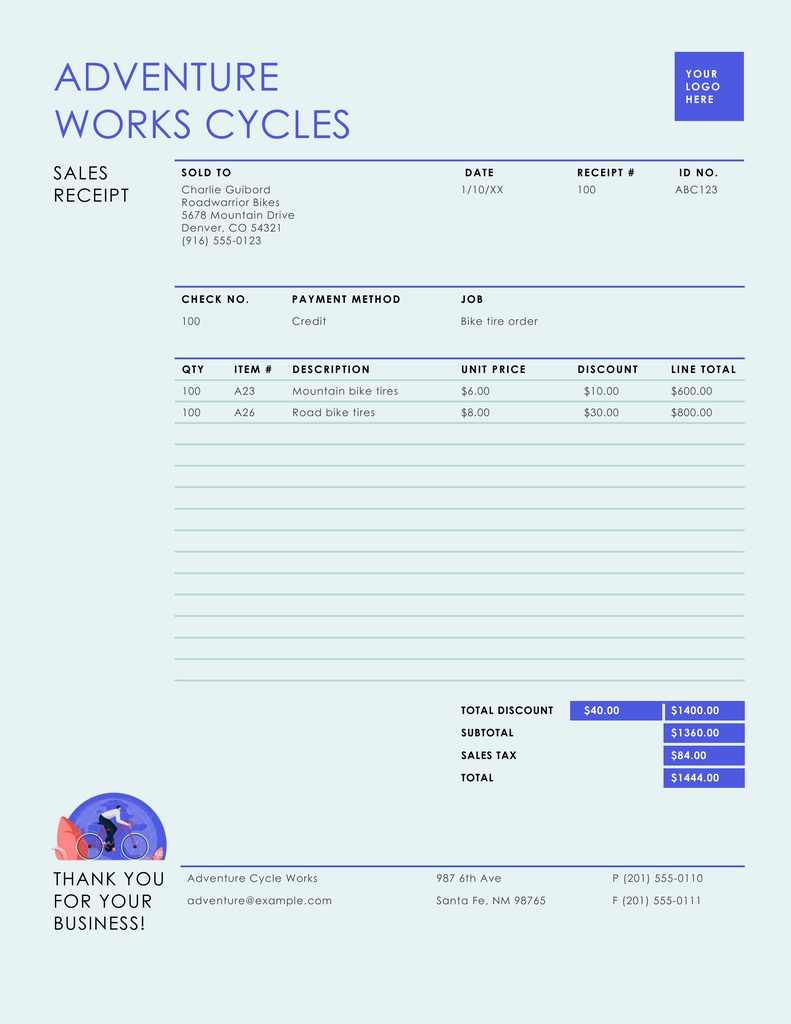
Sales Receipt
Sales can be documented using a SharePoint form and receipts can be provided automatically to your customers using this professional template. Send something to your customers that is polished and professional.
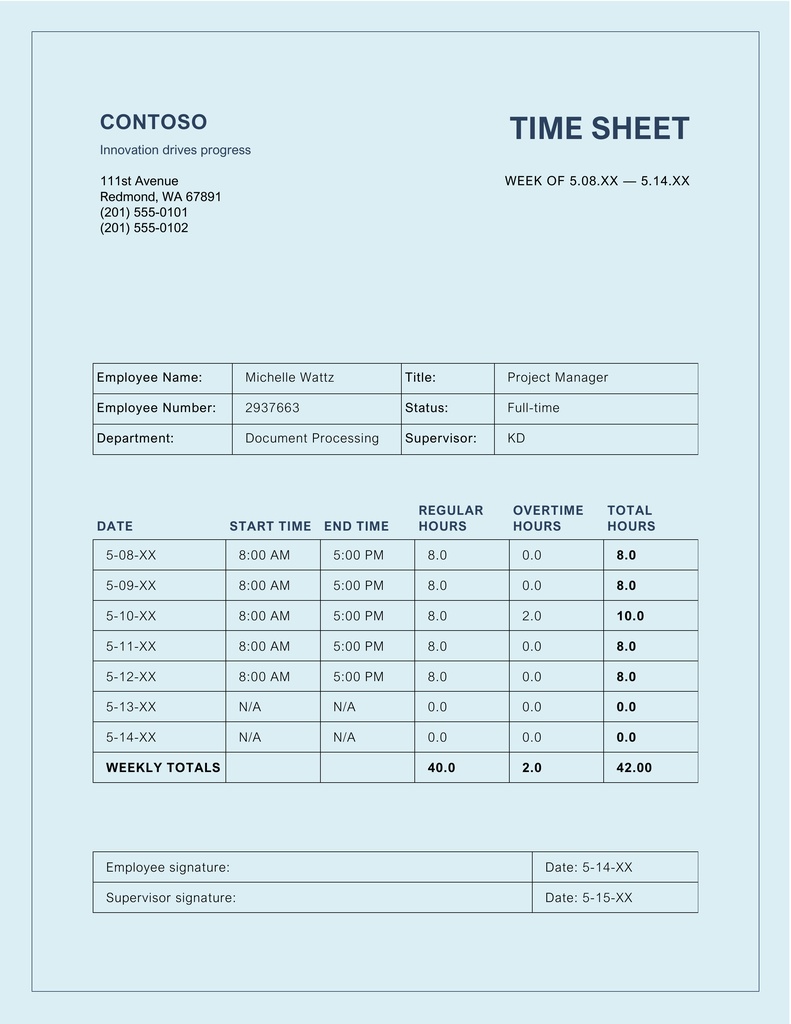
Timesheet
Ultimate Forms provides pre-built templates for timesheet tracking. Pair this print template with your form for PDF summary output to be stored in your SharePoint library and emailed to your workers and managers. Keep a backup of finalized PDFs from all your timesheets in one SharePoint library.
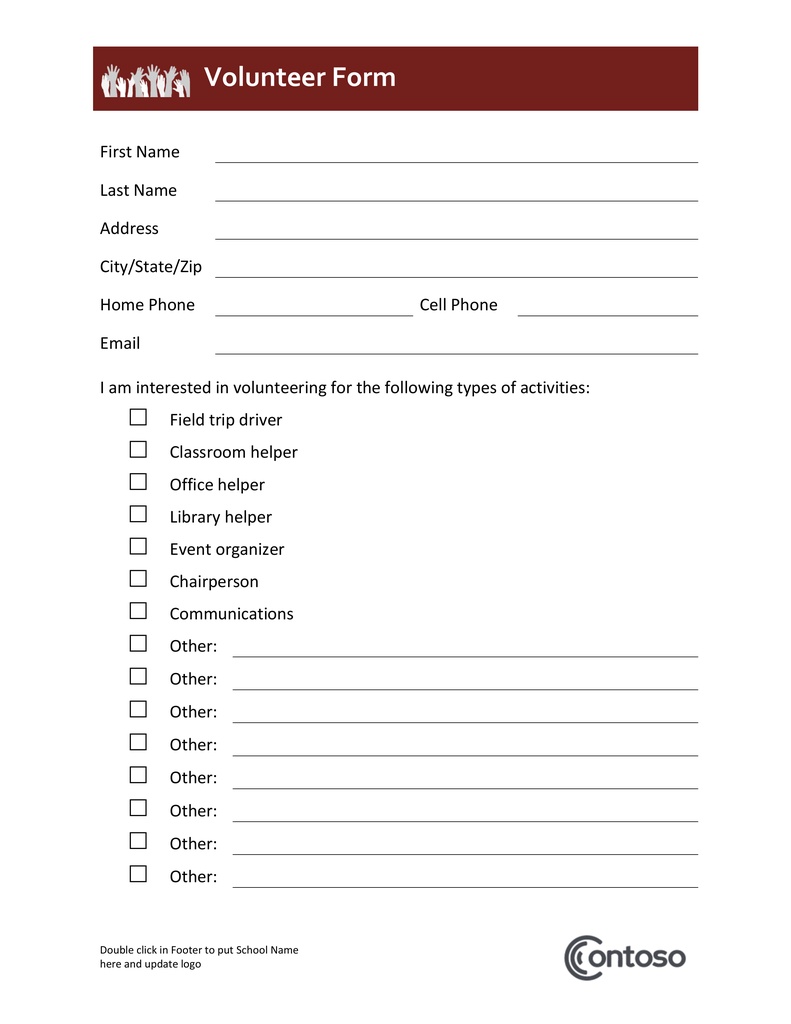
Volunteer
Organize volunteer information with this clean looking form that can be sent out as a summary when each volunteer signs up for work. Put your best foot forward when interacting with volunteers. Add a logo for even more polish.
There are hundreds of templates available
All that you need is the standard version of Microsoft Word to find new templates. When you open Microsoft Word, click "More templates" to view a searchable list of hundreds of templates provided by Microsoft. You can learn more about Infowise Word print template functionality in this article Setting up a Word Template.
The best part of Infowise Ultimate Forms Word Print Templates is that the only thing you really need to know is how to use Microsoft Word. All the data populates from SharePoint automically. There is nothing more to it. Experiment and have fun!
Add your comment